
Forearm 2 days
PelliScope for dermatologists & clinics
A skin concern
can arrive ready.
Guided intake, photographs and AI-assisted screening—organised before clinical review begins.
A four-step demonstration shows a patient concern, a context photograph, an angled photograph and the information becoming a prepared clinical case.
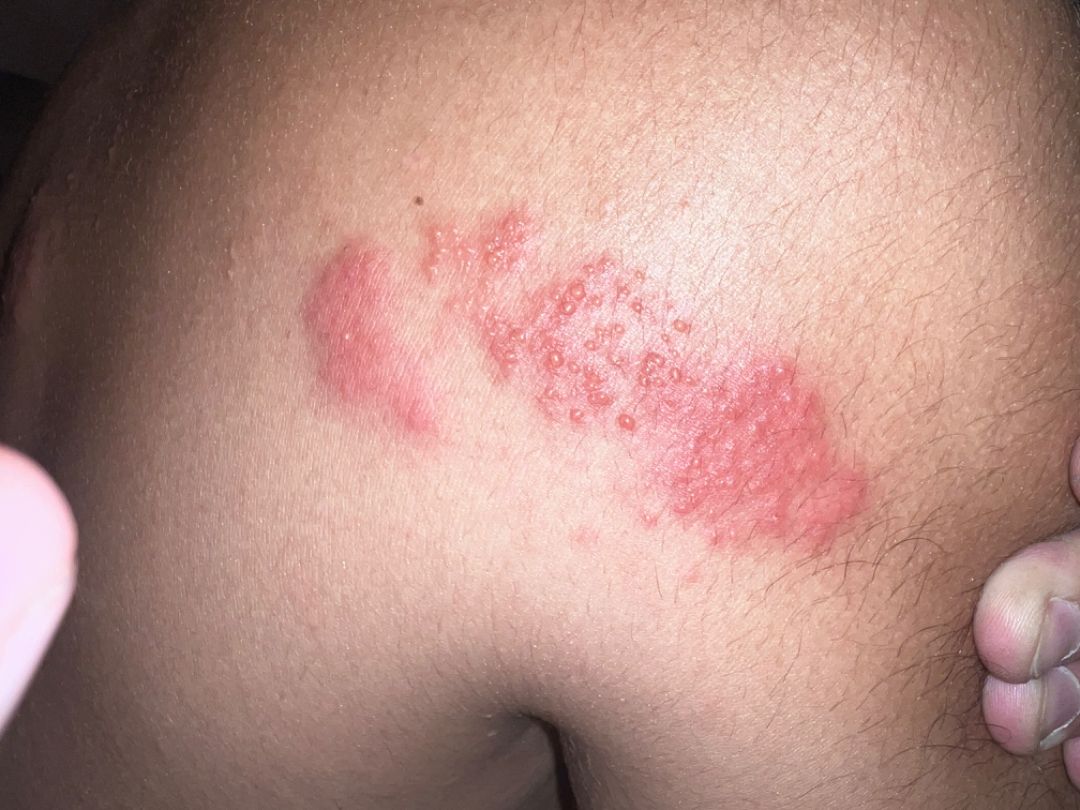
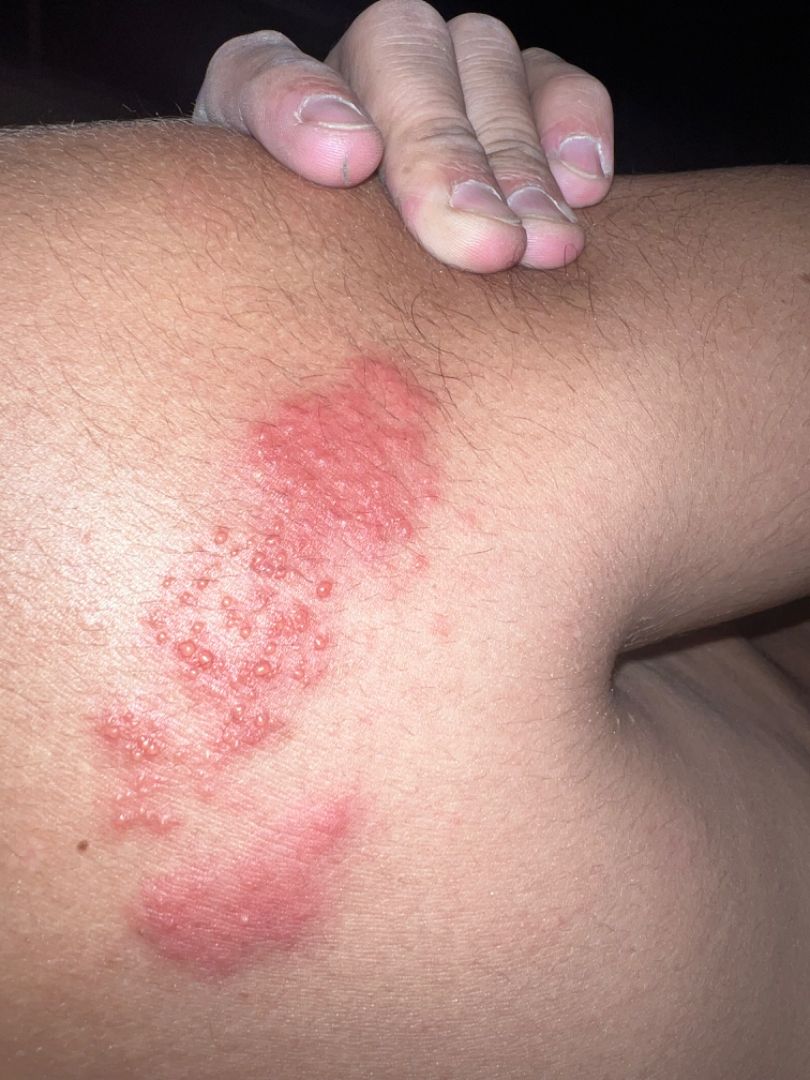
01 / Patient entry
Preliminary screening.
Before the clinic.
AI-assisted screening supports preparation and routing. It is not a diagnosis.
A four-step interface shows a patient capturing a guided photograph, adding another view, receiving an infectious-signal screen with possible matches, and choosing an available dermatologist for teleconsultation.
02 / Prepared arrival
Before your clinical
time begins.
Images, symptoms, duration and screening context enter one review queue—already attached to the right case.
New review
Urgent
Infectious screen
Follow-up
A simulated PelliScope review queue contains four prepared cases with workflow, screening, differential and risk information. The highlighted case advances automatically while this scene is visible.
03 / Clinical review
See the case.
Keep the context.
Review protected image sets beside the patient’s complaint, history and AI-assisted screening summary.
Protected photographsInitial and follow-up image groups.
Screening contextVisible pattern and reported symptoms, ready for interpretation.
Longitudinal identityPatient ID, previous episodes and care timeline.
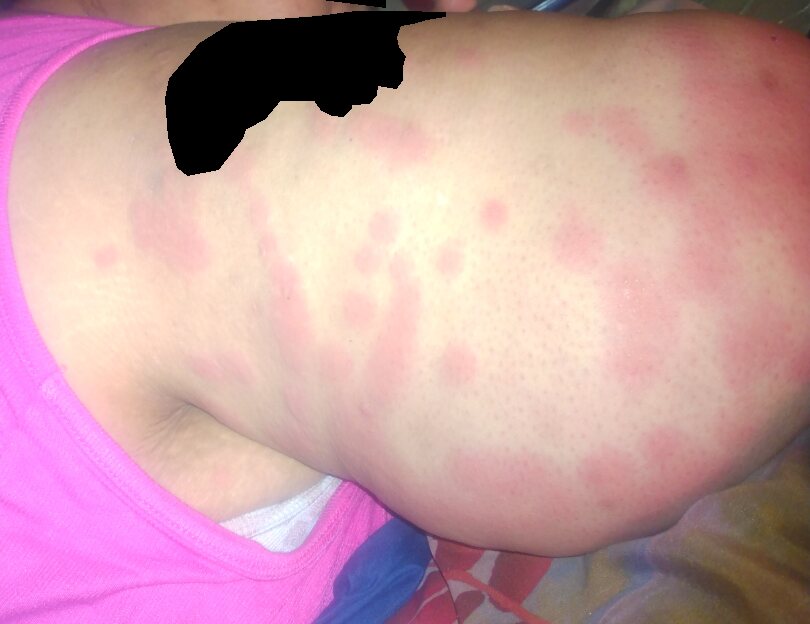
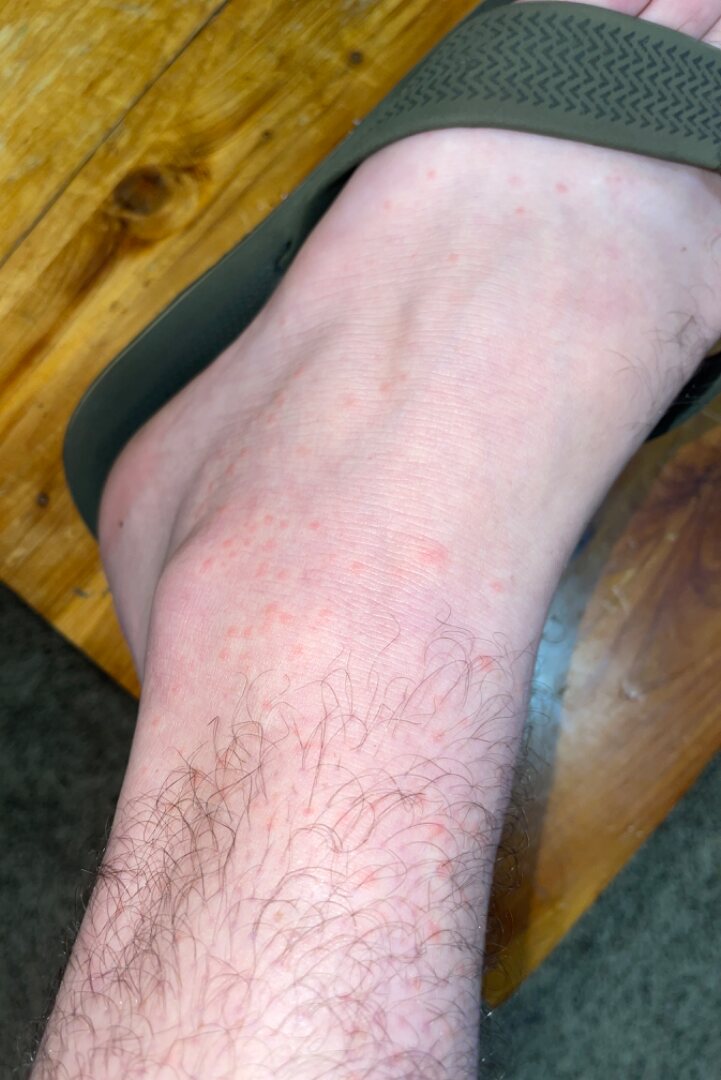
A simulated patient record shows protected clinical photographs, complaint and symptom context, AI-assisted screening, differential predictions, care timeline and clinician action representations. It alternates between two internally consistent demonstration cases.
04 / Care decision
One review can become
continuous care.
The next step stays attached to the case instead of disappearing into separate messages and files.
PATIENT CASEPS · 2048reviewed
05 / Practice control
Your practice
stays yours.
Professional verification, availability, patients and payment stages remain visible in one clinical workspace.
VERIFIED PRACTICE01
DR
Professional profileCredentials · jurisdiction · languages
✓Accepting new cases
PATIENT REGISTRY02
Search Patient ID or concern
P
Returning patient2 episodes · follow-up active
Open →P
New patient1 prepared case
Open →PROFESSIONAL FEE03
Set by the clinician
CapturedEligiblePayout
Payment and payout tools appear where the service is enabled.
06 / A clearer system
Less intake chaos.
More clinical time.
Give patients a clearer way to begin, give clinicians a prepared case, and keep the next step connected.
Clinical decisions remain with qualified professionals. Product availability and payment features vary by service region.