1
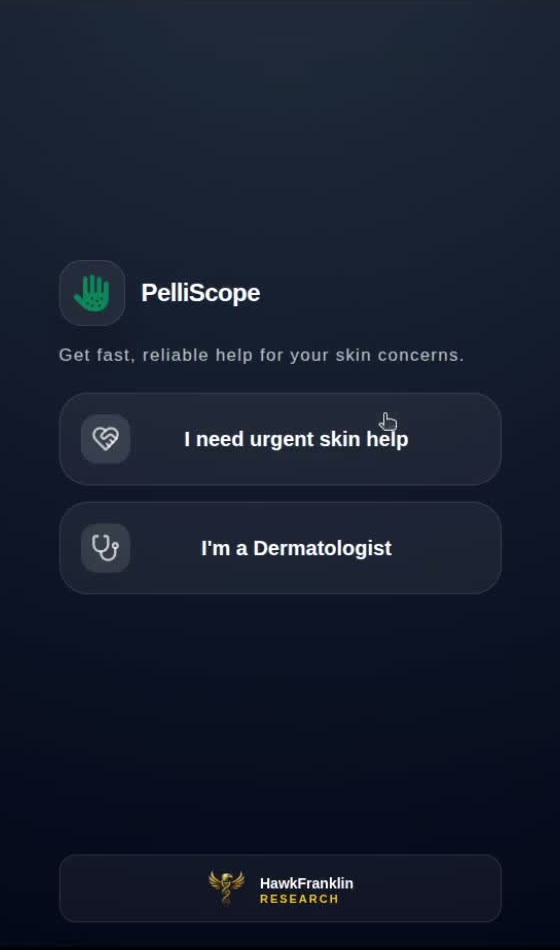
Role selection
The clinician starts from the same role selector and chooses dermatologist mode.
 PelliScope Doctor Visuals
Doctor-side screenshot catalogue
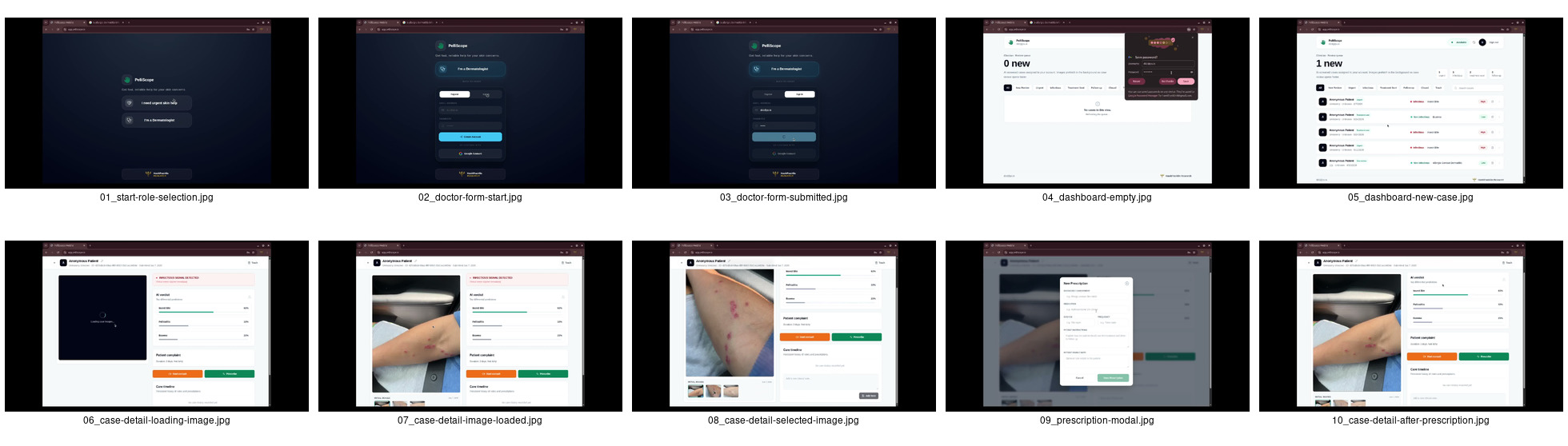
These are real workflow screenshots cropped for product catalogues: dermatologist sign-in, doctor application, dashboard queue, patient case review, image inspection, AI verdict, and prescription writing.
Access and onboarding
The first screens are cropped to the centered product surface because they are mobile-style entry states within the browser recording.
The clinician starts from the same role selector and chooses dermatologist mode.
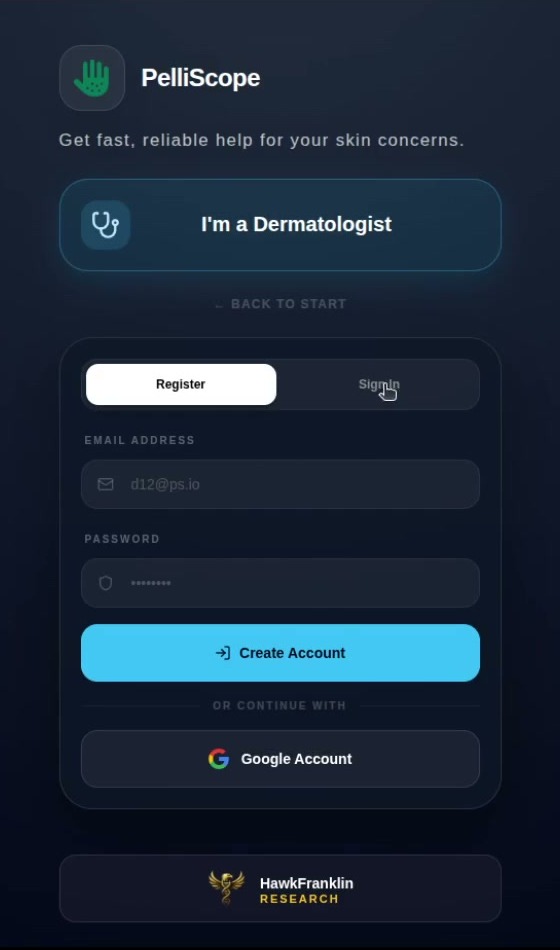
The dermatologist enters account details before submitting an application.
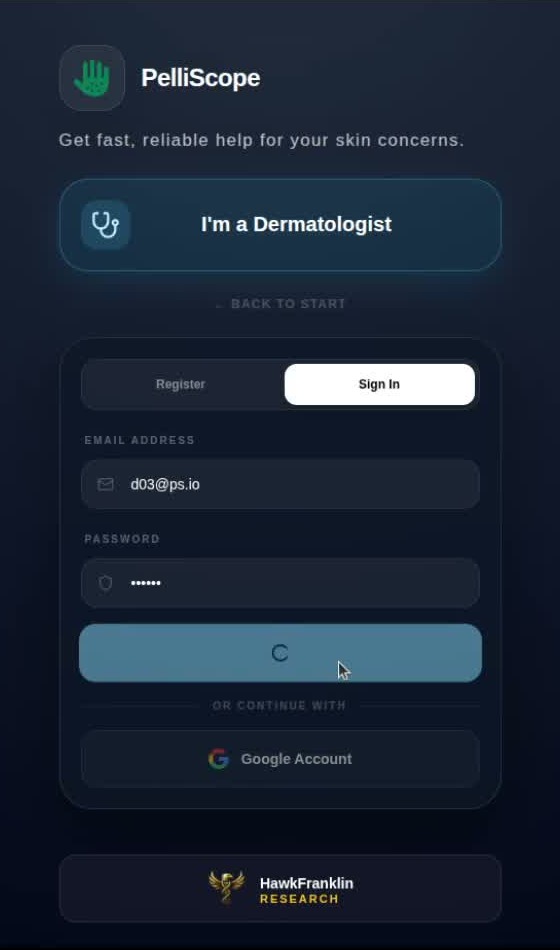
The form transitions into sign-in and account status handling for the doctor user.
Clinical workspace
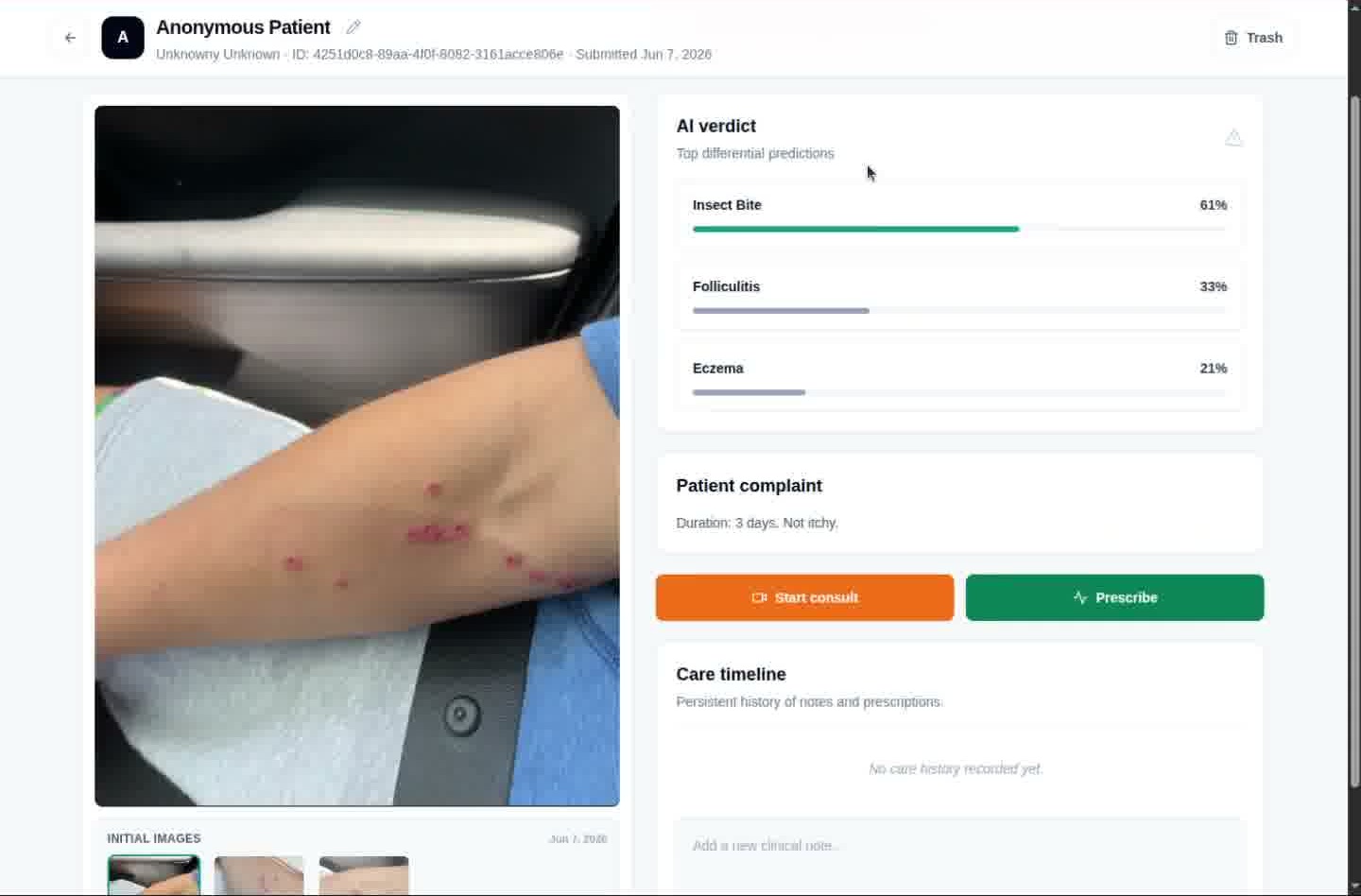
These wider screenshots preserve the actual clinical dashboard layout and patient case detail surface because the useful information is spread across the full doctor workspace.
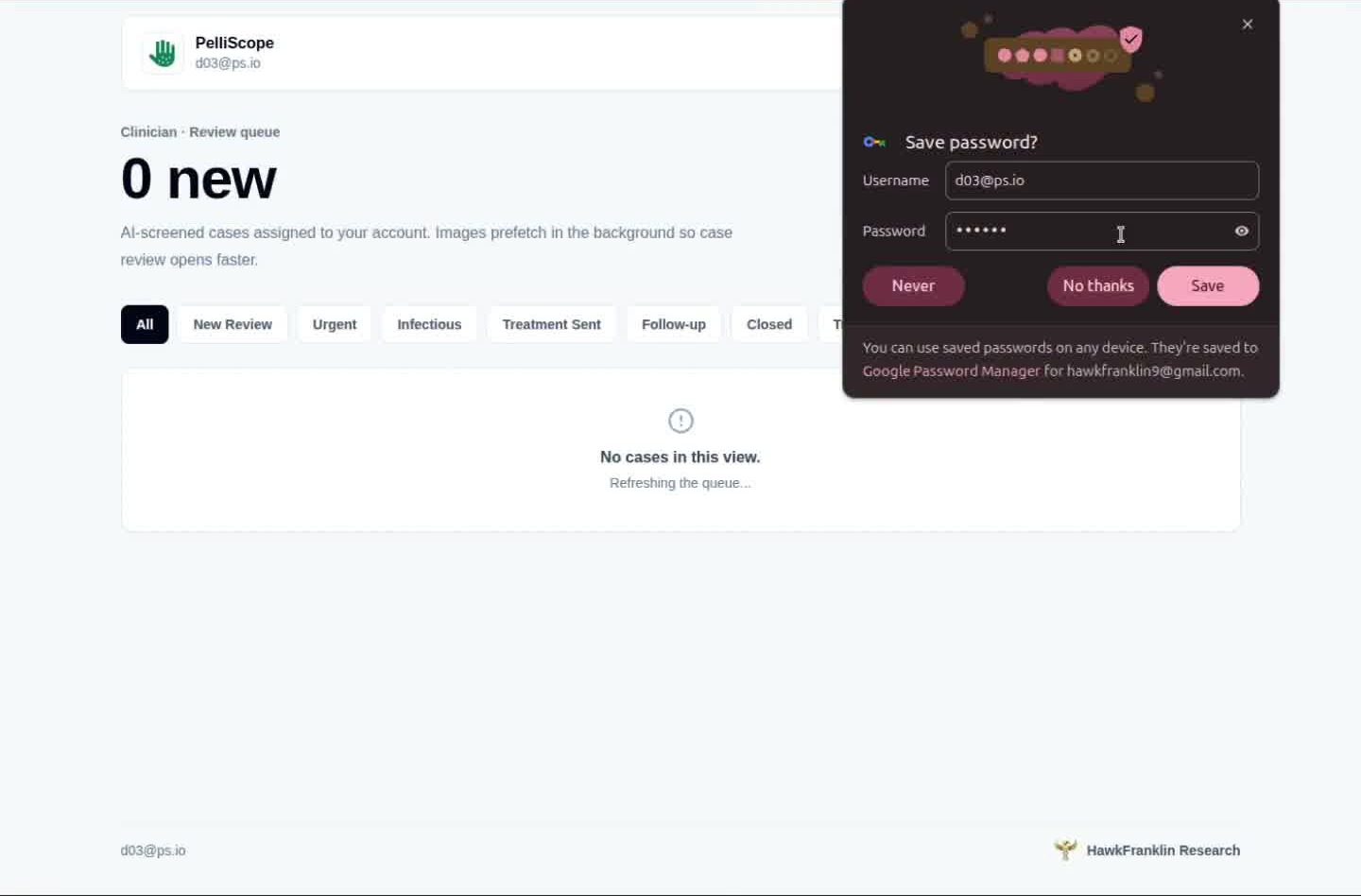
The doctor queue can start with no assigned cases and a clean review workspace.
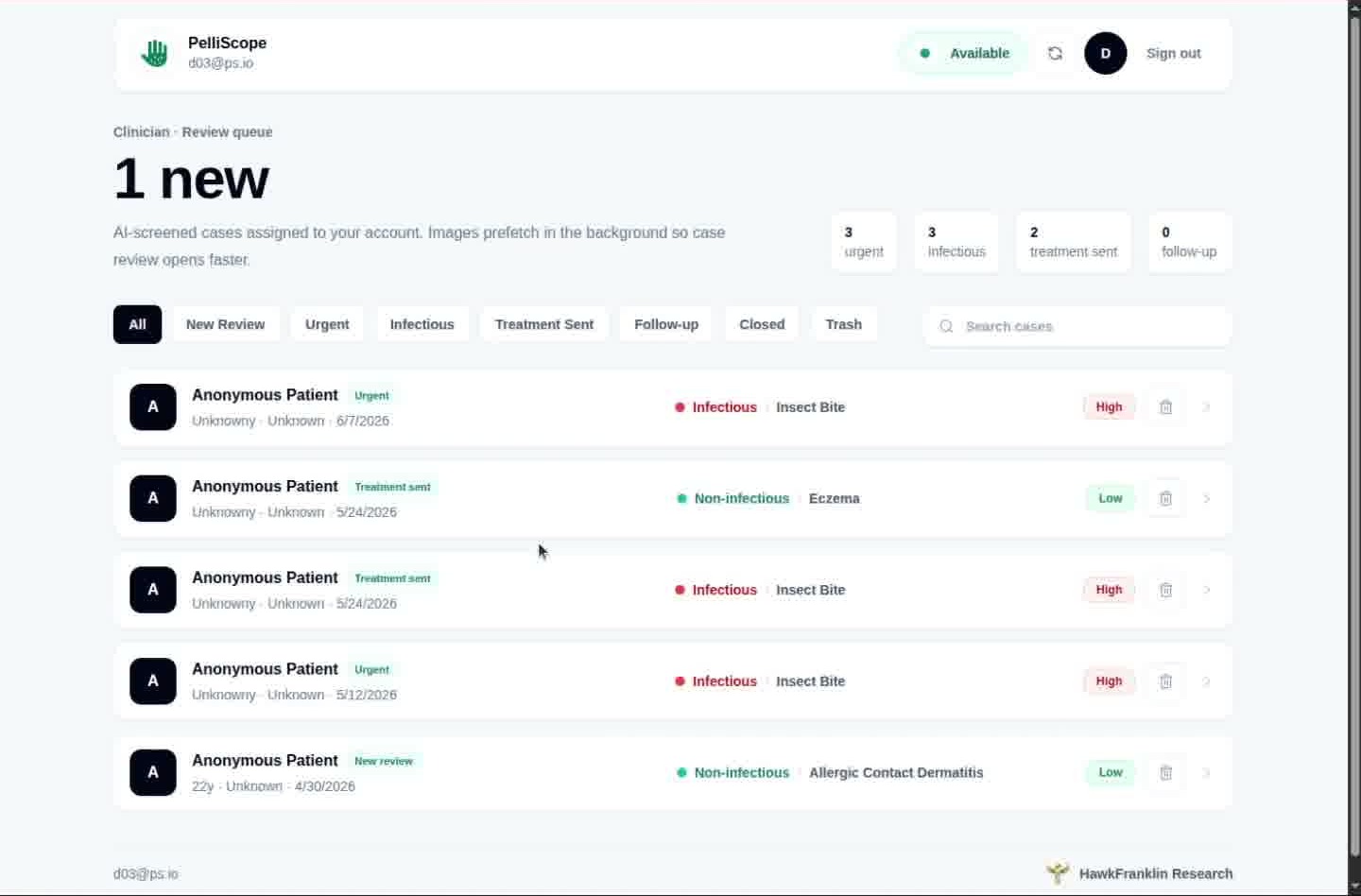
The dashboard shows assigned cases, availability, queue filters, urgency, and infectious labels.
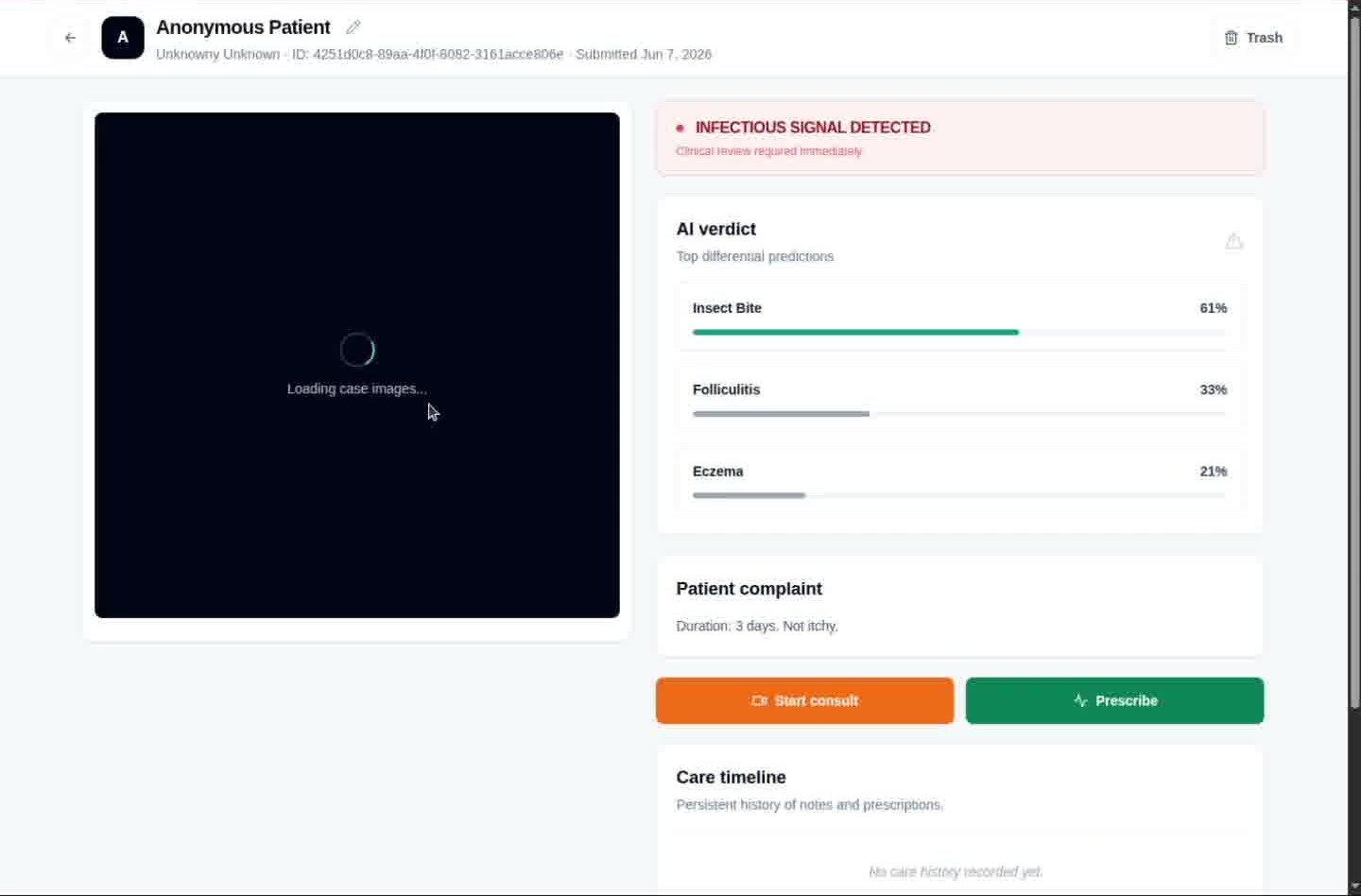
The case detail opens with AI verdict and patient complaint while images finish loading.
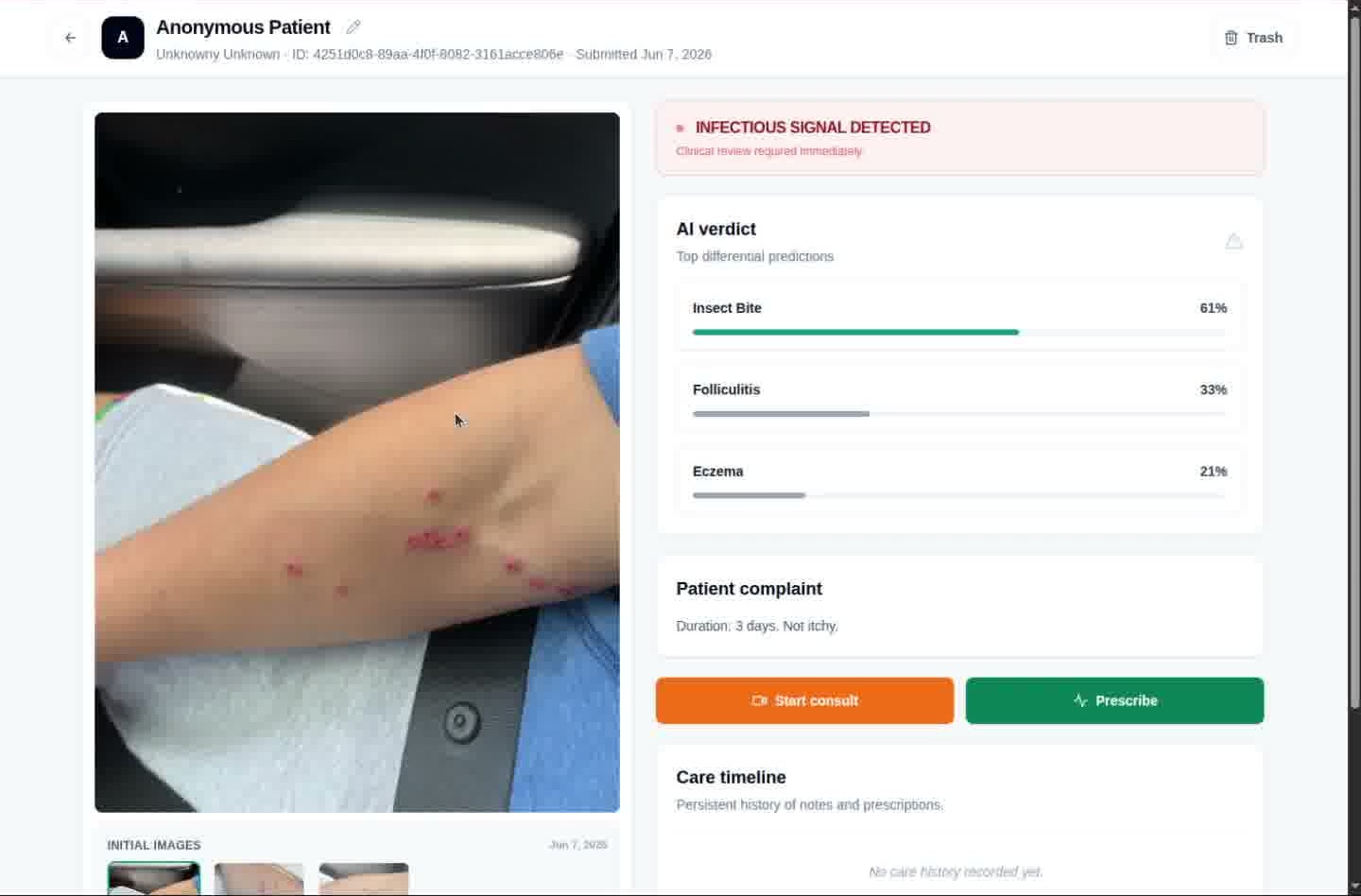
The submitted skin photo appears beside infectious alert, differentials, and action buttons.
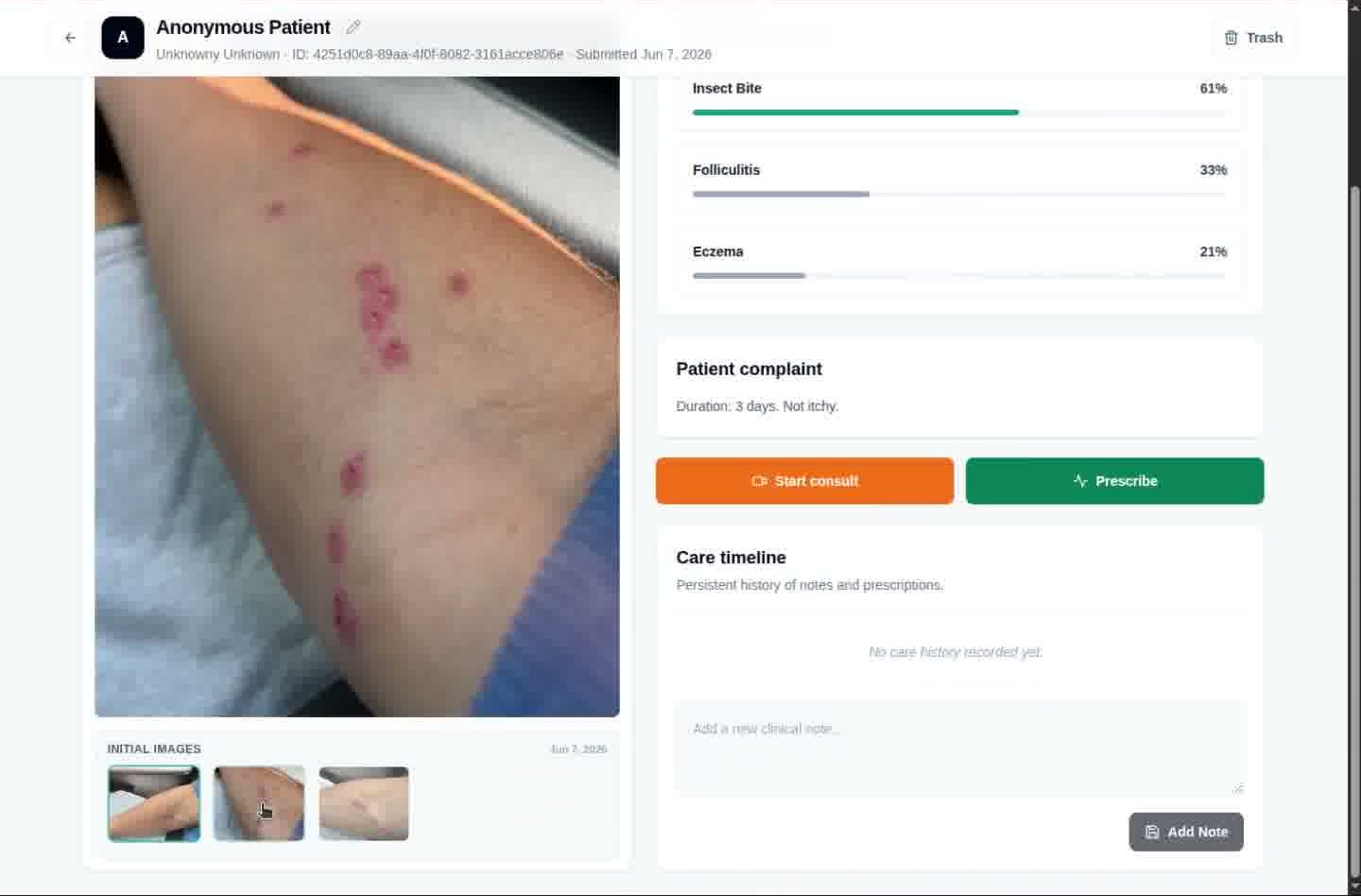
The doctor can switch between submitted images while keeping the clinical summary visible.
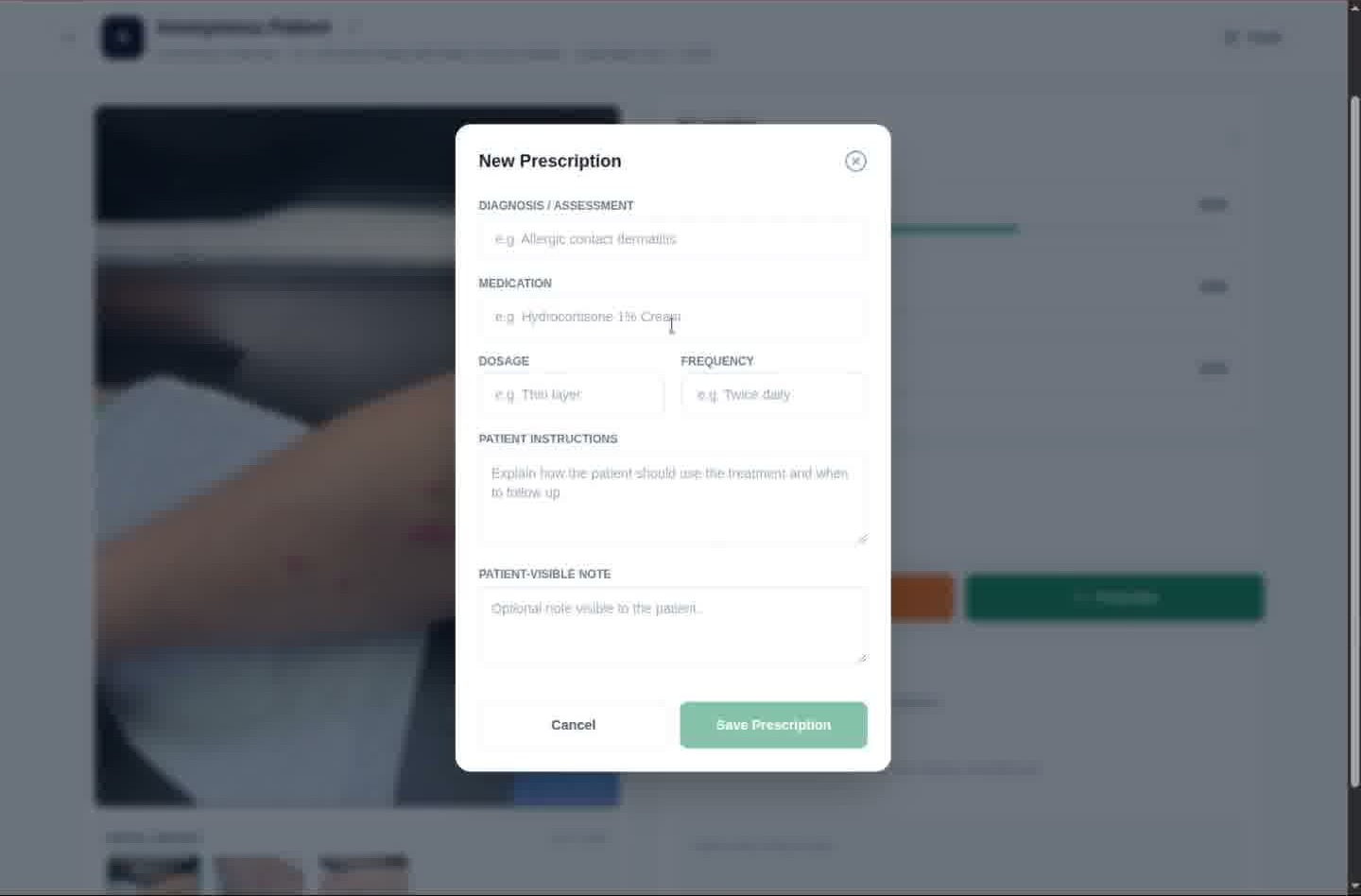
The doctor adds diagnosis, medication, dosage, instructions, and patient-facing notes.
The case returns to the detail view with the image, verdict, complaint, and care timeline context.
Single image overview
This full overview sheet is included for tools that prefer one stitched screenshot asset instead of separate flow steps.